
Maintain the Play Environment Through Routine Care
Practical guidance for visual checks, cleaning, record keeping and responding to visible damage after commercial play equipment has been installed.
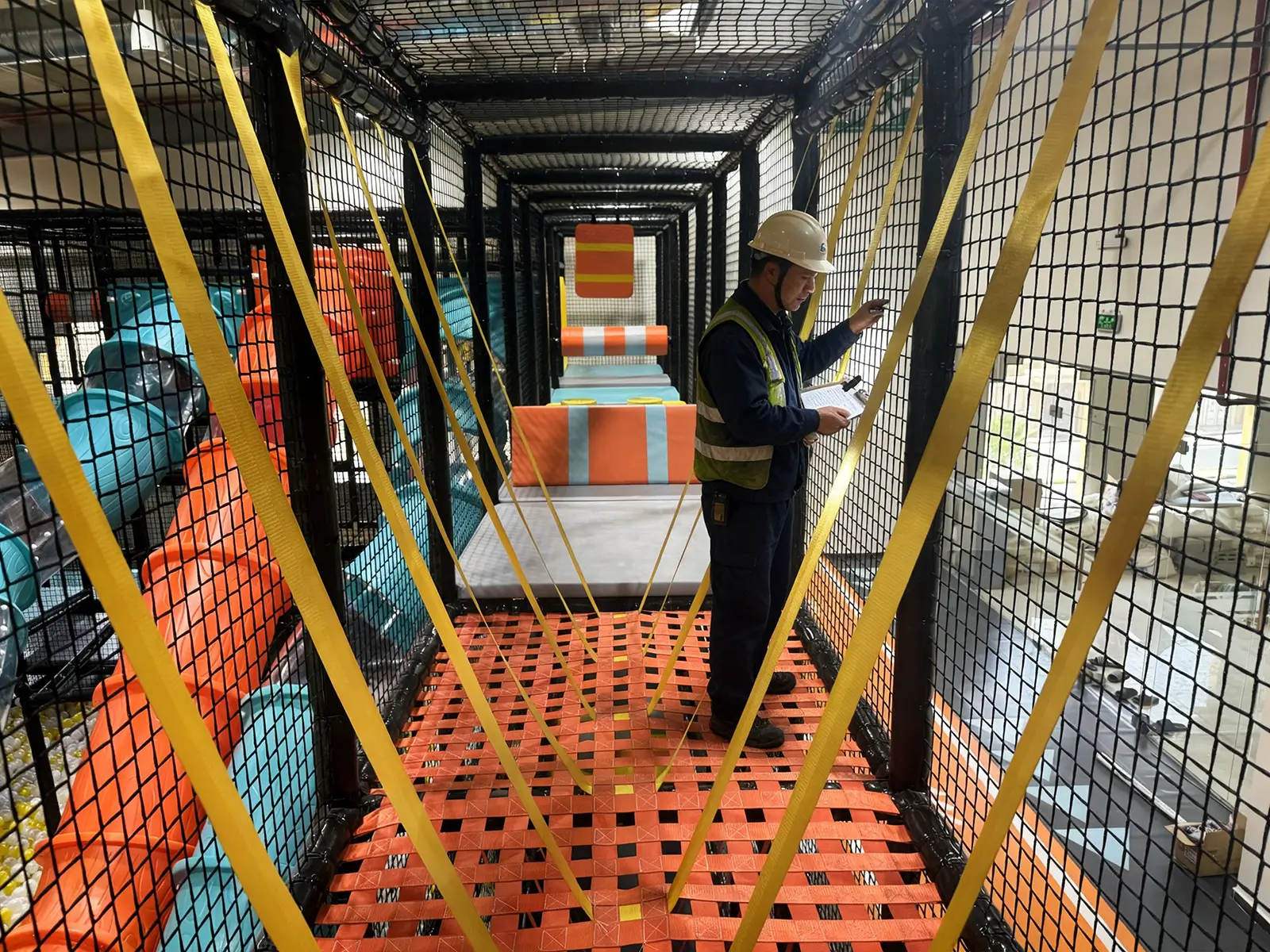
For owners and maintenance teams operating installed equipment, as well as purchasers evaluating the ongoing inspection and maintenance requirements of a commercial play venue.
Areas to Include in a Maintenance Routine
- Routine visual checks
- Cleaning recommendations
- Fasteners and connections
- Nets, padding and soft components
- Slides and moving components
- Interactive equipment
- Damaged component handling
- Maintenance records
- Contacting after-sales support
Inspect, Record and Escalate When Necessary
This page provides general operational guidance rather than complex repair instructions. Structural disassembly, electrical faults and replacement of critical components should be reviewed by qualified personnel using the project-specific documentation.
Routine Visual Checks
Observe the equipment before opening and during operation for visible looseness, unusual movement, wear, damage, displaced protection or other changes from its normal condition.
Cleaning Recommendations
Follow cleaning methods suitable for the specific surface and supplied equipment. Avoid unapproved chemicals, excessive liquid and cleaning methods that may affect padding, finishes, electronics or moving parts.
Fasteners and Connections
Include accessible bolts, clamps, brackets, anchors and connection points in documented inspections. Do not make structural alterations or substitute connection hardware without technical confirmation.
Nets, Padding and Soft Components
Check for cuts, tears, loose stitching, exposed hard surfaces, displaced padding, damaged mesh and changes to rope or net attachment points.
Slides and Moving Components
Look for surface damage, loose guards, abnormal movement, unusual sound and changes at supports or connections. Internal adjustment or disassembly should follow the relevant technical instructions.
Interactive Equipment
Keep controls, sensors, screens, cables and enclosures clean and protected. Electrical faults should be isolated from use and referred to qualified technical personnel.
Damaged Component Handling
Restrict access to affected equipment when continued use may be unsafe. Photograph the condition, identify the component and retain relevant project information before requesting technical advice or replacement parts.
Maintenance Records
Record the inspection date, person responsible, equipment or zone checked, observed condition, photographs, immediate action and completion of any follow-up work.
Contacting After-Sales Support
Provide the project reference, equipment location, component photographs, description of the issue and any relevant maintenance history so the support team can review the request efficiently.
Routine Inspection Record Template
Use this template to record routine observations, affected equipment, photographs, immediate actions and follow-up requirements. It should be used together with the project-specific instructions.

Keep a Useful Maintenance Record
- Date and person completing the check
- Equipment or zone inspected
- Observed condition and supporting photographs
- Immediate action or access restriction
- Technical advice, repair, replacement and follow-up date